Enterprise User Guide
Login & Getting Started
3.1 Receive Email
Once your Enterprise is registered on the platform, you will receive an email containing your Login Temporary Password.
3.2 Verify Your Temporary Password
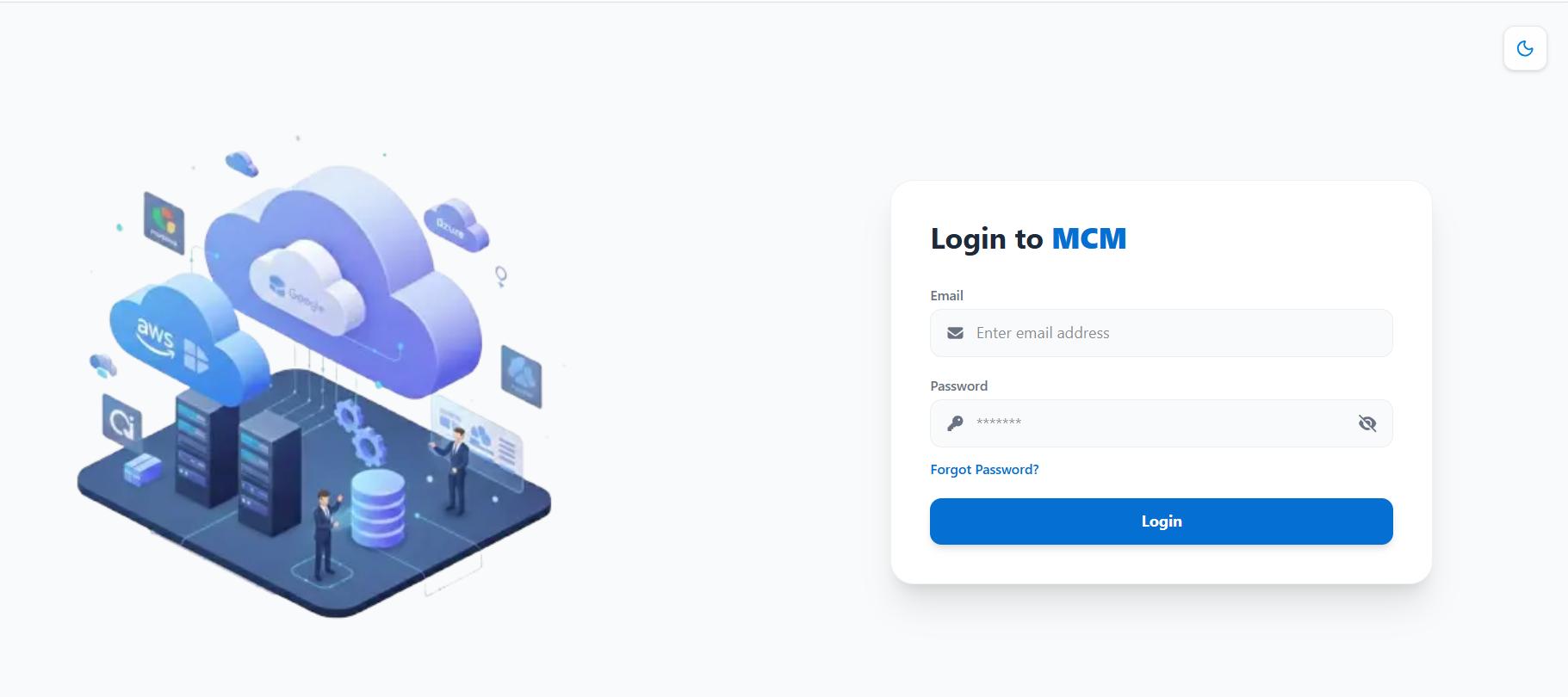
Step 1 Navigate to the Login URL.
Step 2 Enter your registered Email address.
Step 3 Enter your Temporary Password.
3.3 Change Temporary Password
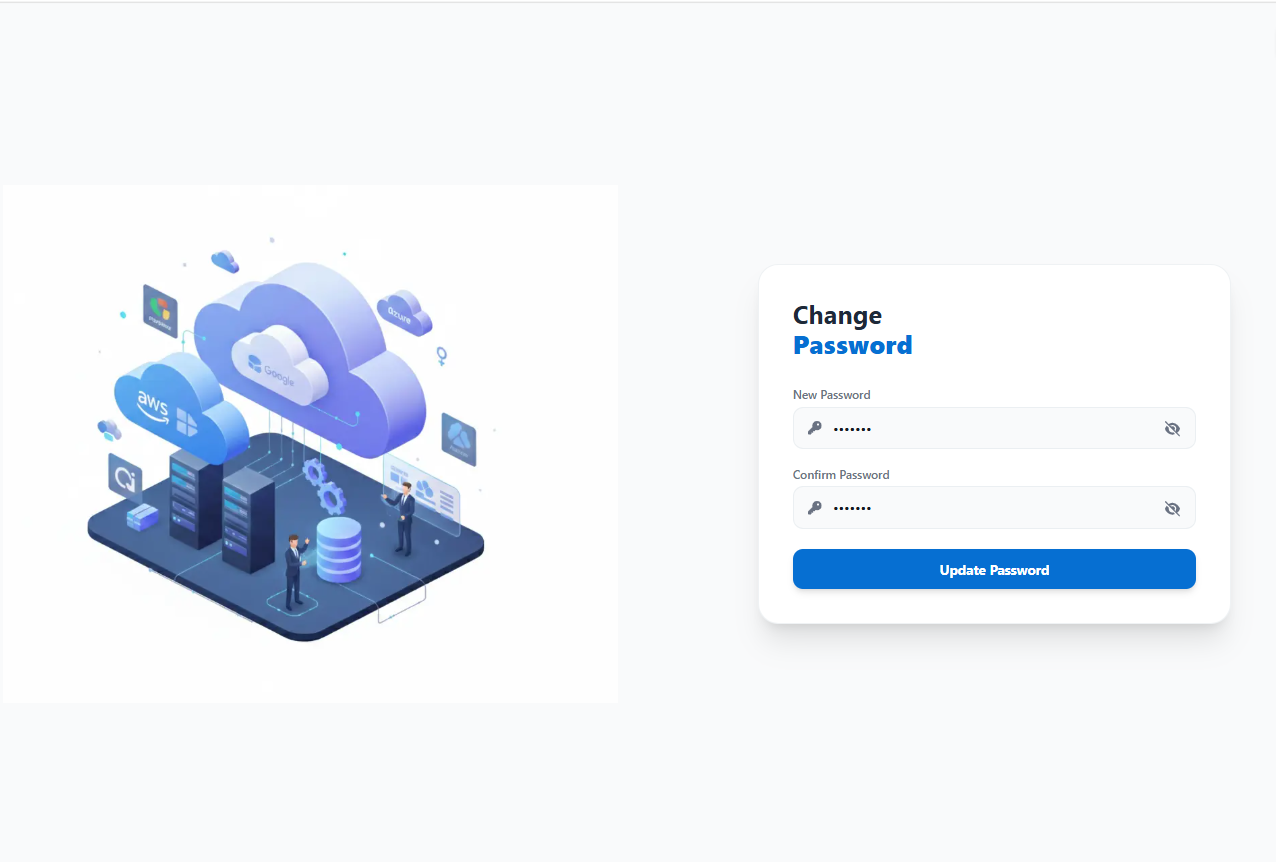
Once the Temporary Password is verified, change your password for security purposes. After successfully changing your password, log in using your new credentials.
5. Getting Started
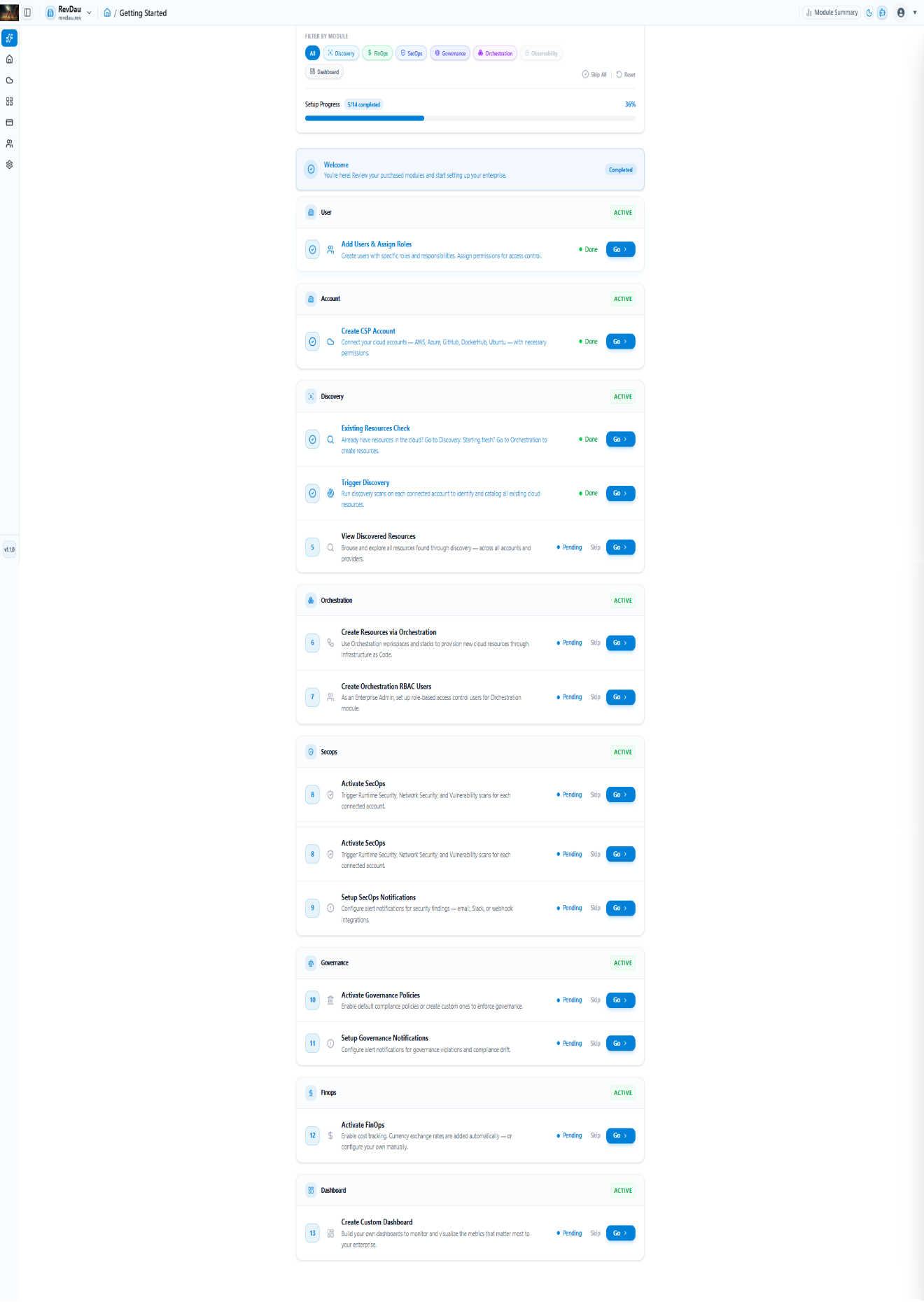
After login, access the Getting Started dashboard:
-
Follow setup steps: Add Users, Create CSP Account, Trigger Discovery.
-
Track progress using the setup progress bar.